
How to Prepare an STL File for 3D Printing
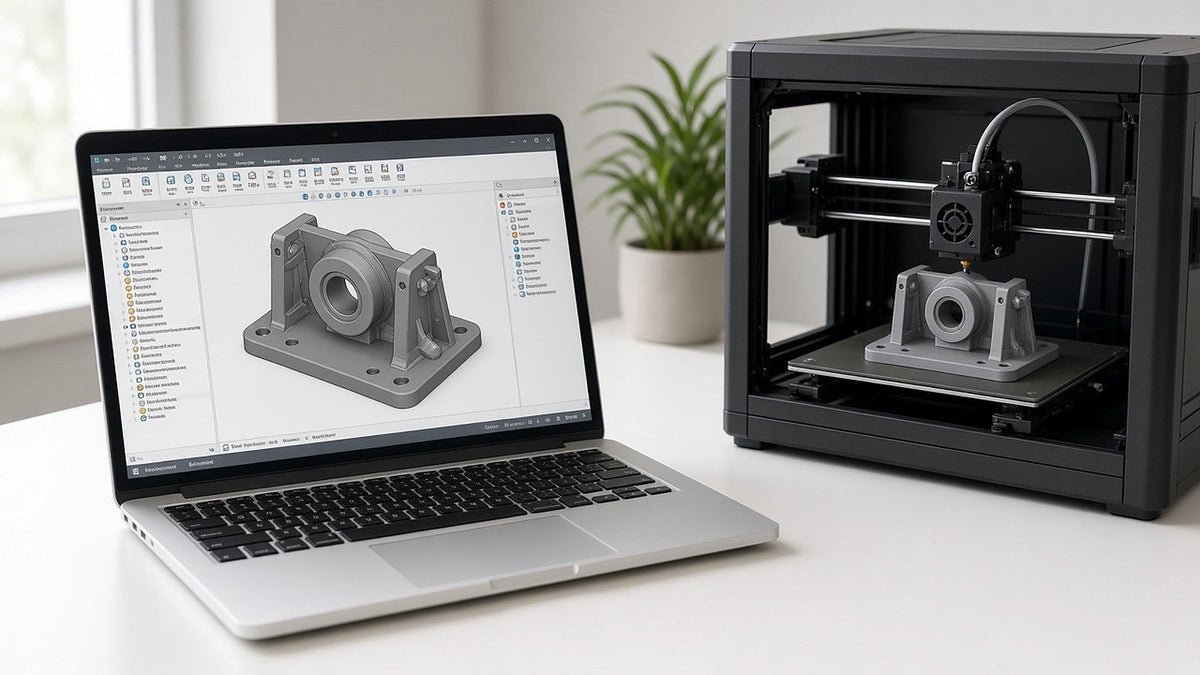
Short answer: to prepare a file for 3D printing, export a closed (watertight) model in millimeters as an STL file, check that walls and small features are thick enough to print, and send notes about quantity, material and how the part will be used. A clean file means a faster, more accurate quote.
You don't need to be a CAD expert to get a part printed. This checklist covers what we look for when a file arrives at Obsess3D Printing, and how to avoid the most common problems.
Which file format should I send?
We accept STL files only, up to 10 files per request and 100 MB per file.
STL is the most common 3D printing format. It describes the surface of your model as triangles and works with every slicer. It doesn't store units, so double-check your scale.
What if my model is in another format?
Almost every CAD and modeling program can export STL. Look for Export or Save As and choose STL, using millimeters and a fine resolution so curves stay smooth. If you only have a native CAD file and can't export it, ask about our design help.
How do I make sure the scale is right?
Design and export in millimeters whenever possible. STL files don't record units, so a part designed in inches can arrive 25.4 times too small. When you send your file, include the overall size of the part (for example, "about 120 mm long") so we can confirm the scale.
What does "watertight" mean?
A watertight model is fully closed with no holes, gaps or overlapping surfaces, like a solid object you could fill with water. Most CAD programs export watertight files automatically. Models from sculpting tools, scans or online downloads sometimes have holes or stray faces. If your file has problems, tell us; fixing broken files is part of the design help we offer.
Are my walls and details thick enough?
FDM printers build parts by laying down lines of melted filament, so extremely thin walls, tiny pins and fine text may not print well. As a rule of thumb:
- Avoid walls that are thinner than a few nozzle widths.
- Make small text raised or engraved deeply enough to read.
- Thicken tabs, clips and pins that will carry load.
Every file we receive is reviewed by a person. If something looks too thin, we'll point it out before we quote.
Does orientation matter?
Yes. FDM parts are strongest along their layers and weakest between them. If a part will be pulled, bent or snapped into place, tell us which direction the force goes. We'll orient the print for strength and appearance, and mention any tradeoffs, such as support marks on one face.
What should I include with my file?
- Quantity needed
- Preferred material and color, or how the part is used so we can recommend one
- The date you need it by
- Your shipping ZIP code
- Anything about fit, such as "slides over a 25 mm tube"
The more we know, the more accurate your quote will be.
What if I don't have a file yet?
We offer design help: CAD design from sketches or ideas, reverse-engineering existing parts, fixing broken files and 3D scanning. Design work is quoted per job.
FAQ
What file types do you accept?
STL files only, up to 10 files per request and 100 MB each.
How do I convert my CAD file to STL?
Use Export or Save As in your CAD or modeling software and choose STL in millimeters with a fine resolution.
My file has errors. Can you still print it?
Often, yes. We review every file and can repair many common problems as part of our design help.
Can you work from a sketch or photo?
Yes. We offer CAD design from sketches or ideas and reverse-engineering, quoted per job.
Get a quote for your part
Send your STL file and we'll reply with a price within 48 hours. We ship anywhere in the U.S.